Windows
Free disk space from Ollama and Hugging Face on Windows
Most AI cleaners are Mac-only. On Windows you still drown in .ollama and .cache\huggingface. Here is the direct path.
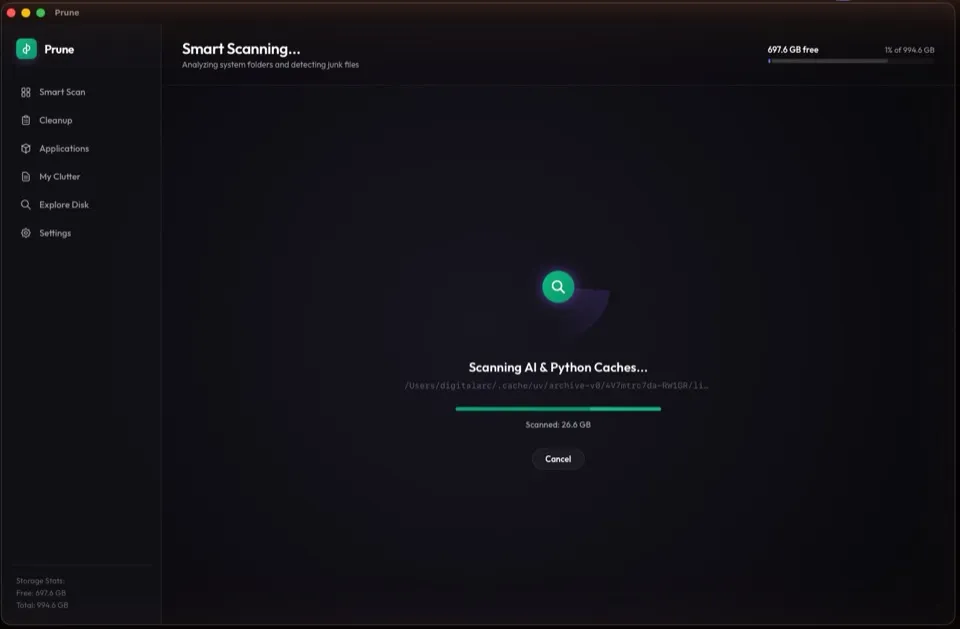
Where Windows hides the GB
%USERPROFILE%\.ollama\models— local LLM weights%USERPROFILE%\.cache\huggingface— Hub snapshots%LocalAppData%\npm-cache— package tarballs- Pip / conda package caches under your user profile
Manual reclaim
ollama list
ollama rm <unused-model>

Remove-Item -Recurse -Force "$env:USERPROFILE\.cache\huggingface\hub"
npm cache clean --force
Why Prune on Windows
Competitors in this niche skew Mac-only. Prune is built for Windows first: free scan, exact sizes, review before delete. macOS is on the waitlist, not the other way around.
FAQ
Is there a dedicated Ollama cleaner for Windows?
Most niche AI cleaners are Mac-only. Prune ships for Windows 10/11 today and targets Ollama, Hugging Face, and developer caches with a review-first UI.
Can I free space without deleting models permanently?
Yes. Remove unused tags or caches; pull again later. Prune never deletes without your selection.